Why Your MS Access Database Is Running Slow — and What Actually Fixes It
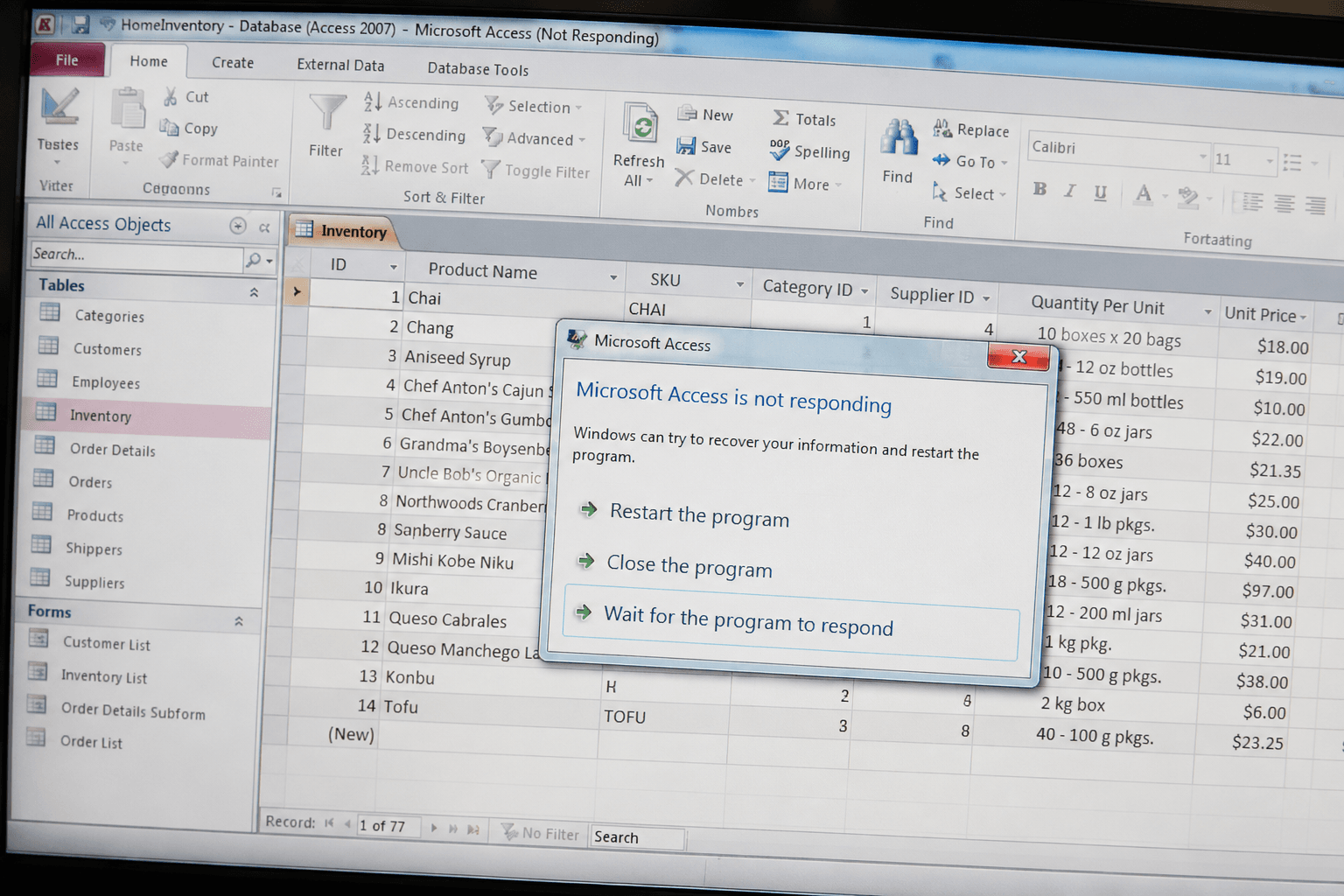
MS Access performance problems are almost always fixable — but only if you fix the right thing. The most common mistake is reaching for a server migration when the real problem is a missing index that takes five minutes to add. The second most common mistake is adding indexes without understanding which fields the query engine is actually using to resolve queries.
Our MS Access performance optimization process starts with measurement. We time every slow query, inspect the execution plan, review the indexing strategy, examine the database schema for structural inefficiencies, and audit VBA modules for row-by-row processing patterns that should be SQL operations. Then we fix issues in priority order — highest impact first — and measure again after every change.
The result is a database you can see is faster, with documented numbers to prove it — not a vague feeling that things improved. We have been doing this exclusively for US businesses for over a decade, and the fixes are almost always predictable once you know where to look.
MS Access Performance Problem Diagnosis: 8 Symptoms and Their Root Causes
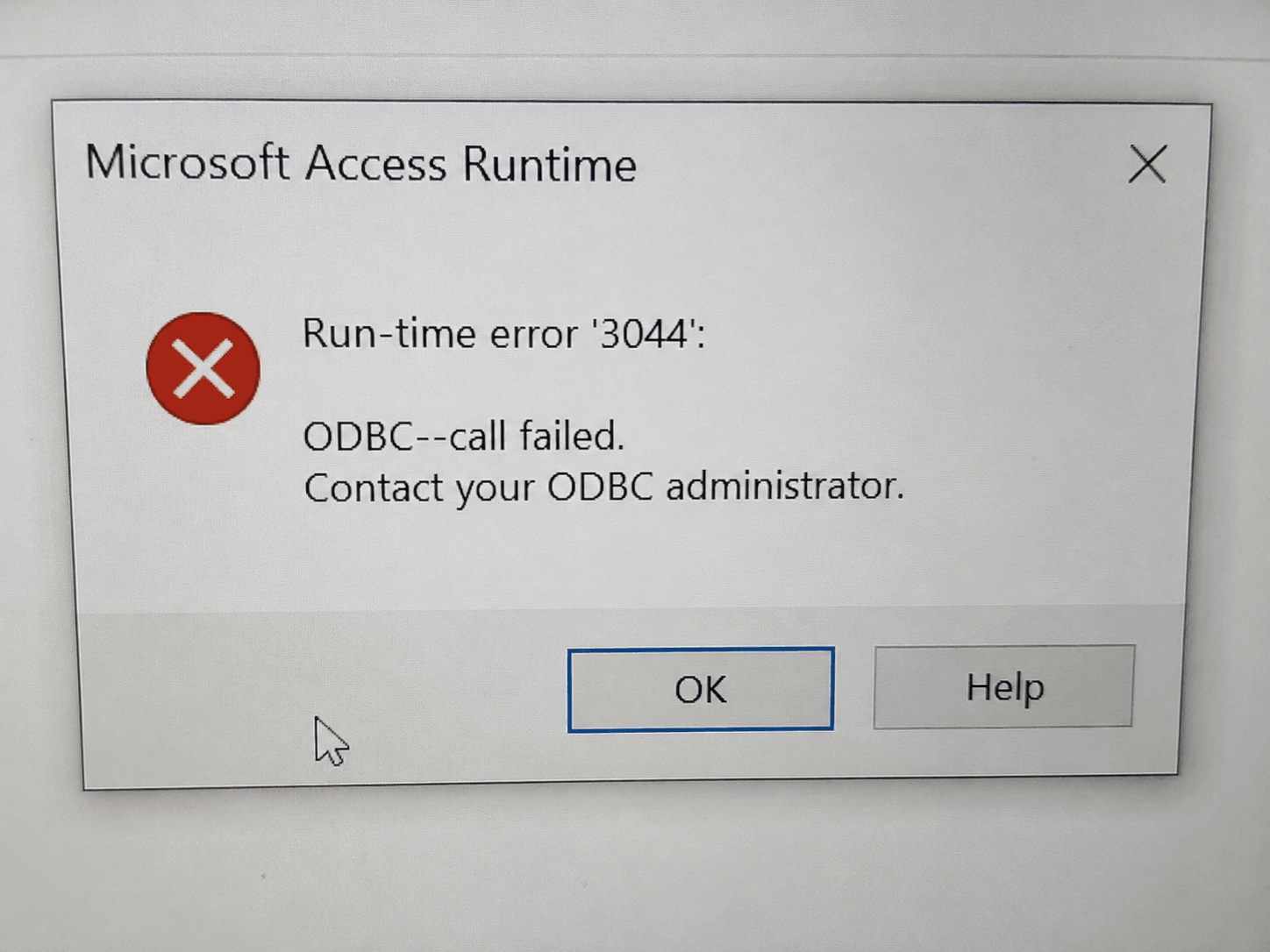
The symptom you see in Access is rarely the same as the underlying cause. Use this table to match what you're experiencing to the most likely culprit. If you see two or more of these, a diagnostic audit will almost certainly pay for itself in recovered productivity within a week.
| What You're Seeing | Most Likely Root Cause | Severity |
|---|---|---|
| Queries take 5+ seconds on tables with fewer than 50,000 records | Missing indexes on WHERE/JOIN fields | Critical |
| Forms take 10+ seconds to open or navigate between records | Unfiltered recordset loading entire table | Critical |
| Database file grew from 200MB to 800MB without major data additions | Fragmentation — never compacted | Critical |
| Reports take 3–10 minutes to generate | Unoptimized report record source or calculated fields in SQL | Critical |
| "Record is locked" errors with multiple users | Single-file architecture on network share | Critical |
| Database slows down progressively throughout the day | Query plan cache bloat or VBA connection leak | Moderate |
| Slow performance only when accessed over the network | Unsplit database — full table scans travel the wire | Critical |
| Access freezes momentarily, then resumes | Garbage collection pause or VBA row-by-row loop | Moderate |
Multiple symptoms often share a single root cause. Our diagnostic audit identifies the hierarchy so fixes are applied in the highest-impact order first.
Real-World MS Access Optimization Results: Before & After Benchmarks
These are representative results from actual MS Access optimization engagements. The specific numbers will vary based on your database, but the pattern is consistent: targeted fixes to the right bottleneck produce dramatic, measurable improvements.
| Scenario | Before | After | Improvement |
|---|---|---|---|
| Query on 200K-row table, no index | 18.4 sec | 0.3 sec | 98% faster |
| Multi-table report generation | 4 min 12 sec | 22 sec | 91% faster |
| Form open (unfiltered 80K records) | 11 sec | 0.8 sec | 93% faster |
| Compacted 680MB fragmented file | 680 MB / slow reads | 94 MB / fast reads | 86% smaller |
| 12-user network Access (single file) | 8–14 sec response | 1–2 sec response | 85% faster |
| VBA loop (5,000 records, DLookup) | 3 min 40 sec | 4 sec (SQL rewrite) | 98% faster |
Every engagement includes written before/after benchmarks. You see the improvement in real numbers, not anecdotal feedback.
Our MS Access Performance Optimization Services
We cover every layer of Access performance — from the Jet/ACE engine's query processor to VBA execution patterns to network architecture. Here is what each service involves and why it matters.
1. Performance Diagnostic Audit (2–4 Hours)
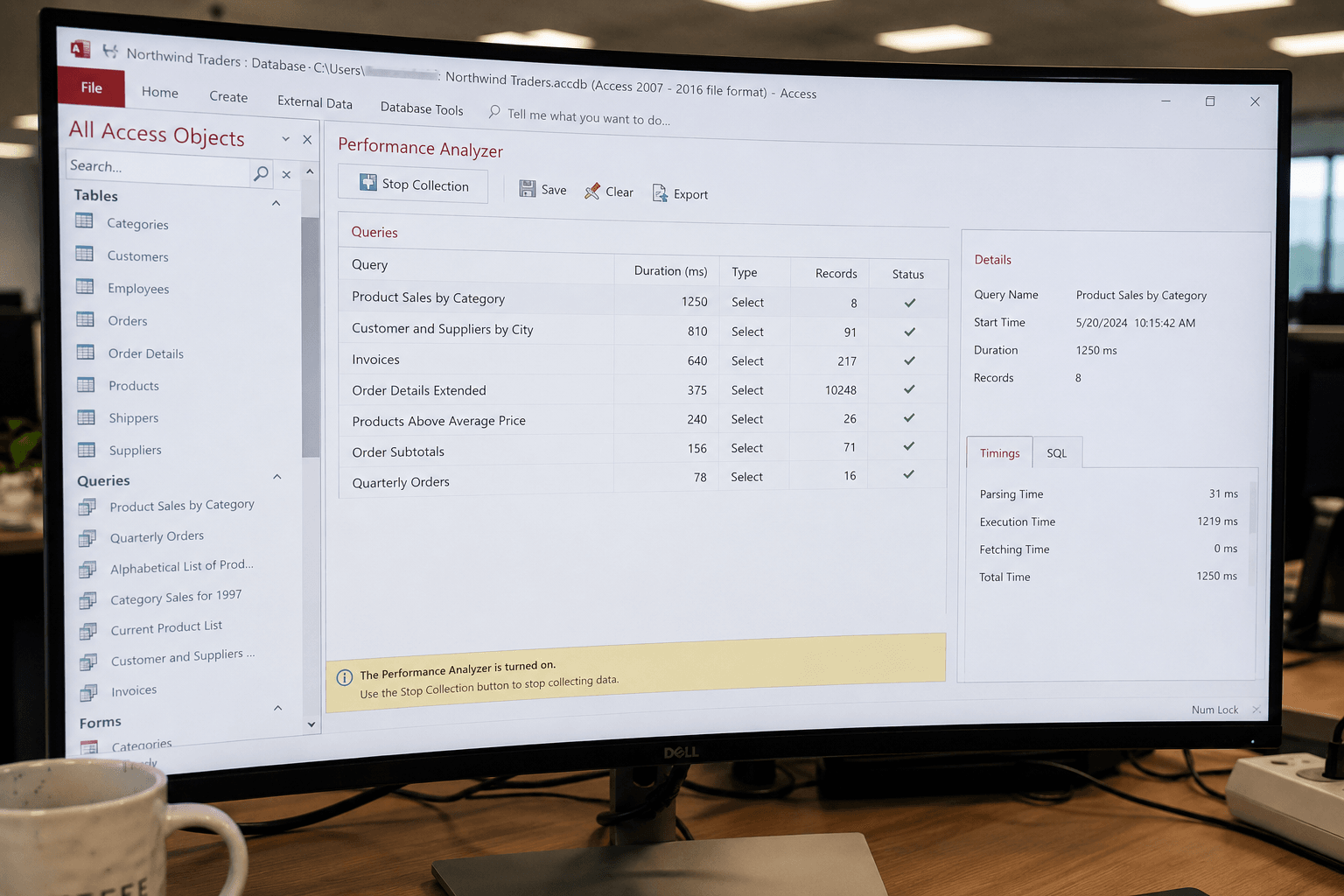
Every engagement starts with a full diagnostic. We use Access's built-in Performance Analyzer as a starting point, but we go much further: timing individual queries with VBA's Timer() function, examining execution plans, reviewing all table indexes against actual query patterns, checking schema normalization, and reading VBA modules for anti-patterns.
You receive a written findings report — with measured baseline times, identified bottlenecks ranked by impact, and a recommended fix sequence — before we write a single line of optimization work. You approve the scope and cost before anything changes.
Using the MS Access Performance Analyzer (and Its Limits)
Access ships with a built-in Performance Analyzer (Database Tools > Analyze > Performance Analyzer) that checks tables, queries, forms, reports, and macros against Microsoft's own optimization rules and flags issues as Recommendation, Suggestion, or Idea. It's a legitimate first step — but it only catches structural issues Microsoft's rule set knows to look for. It won't tell you a query has a Cartesian join, won't flag DLookup() calls inside VBA loops, and won't catch record-source bloat on a form.
We run the Performance Analyzer as step one of every diagnostic audit, then go past its findings with manual query timing, VBA review, and architecture analysis — because the tool's "Idea" and "Suggestion" flags are often where the real bottleneck is hiding.
2. MS Access Index Optimization
Indexing is the single highest-leverage fix in almost every slow Access database. The Jet/ACE query engine uses indexes for WHERE clause filtering, JOIN resolution, ORDER BY sorting, and GROUP BY aggregation. If an index doesn't exist for a field the engine needs during query execution, it performs a full table scan — reading every record regardless of result set size.
We identify every field that appears in a WHERE clause, JOIN condition, ORDER BY, or foreign key constraint across every query and form record source in your database. We add the missing indexes, remove any redundant indexes that slow down write operations without improving reads, and set composite indexes where multi-column filtering patterns make them beneficial.
Important note: Access has a hard limit of 32 indexes per table. If you are near that limit, we prioritize by query frequency and impact rather than adding every possible index.
3. Query Rewriting & MS Access SQL Optimization
Slow Access queries have specific, identifiable causes. The most common patterns we fix:
Cartesian joins: Two tables in a query with no join condition produce a row count equal to Table A rows × Table B rows. A query joining a 5,000-row table to a 10,000-row table without a join condition processes 50 million rows.
Calculated expressions in WHERE clauses: Using a function or expression on an indexed field (e.g., WHERE Format(DateField, "yyyy") = "2024") forces a full table scan because Access cannot use the index on the raw field value.
Correlated subqueries in SELECT lists: A subquery that executes once per row in the outer result set can turn a fast query into one that runs thousands of separate operations.
Domain aggregate functions in queries: DLookup(), DSum(), DCount() and similar domain aggregate functions run a separate database query per record. A SELECT list with DLookup() on a 10,000-row result set runs 10,000 individual queries.
Missing TOP or filter on large recordsets: Forms and reports that open on queries returning 50,000+ rows when they only display 20 at a time send all 50,000 rows across the wire unnecessarily.
We rewrite each slow query from the SQL up, test execution time before and after, and document every change so your team can maintain it going forward. See our detailed guide on fixing Access slow queries for more on specific SQL patterns.
4. Database Compaction & Fragmentation Repair
The Jet/ACE database engine does not reclaim disk space when records are deleted — it marks pages as available but leaves gaps in the file. Over months or years of normal use, a database that started at 50MB can grow to 400MB or more without a meaningful increase in actual data, purely from accumulated deleted-record space and fragmented page allocation.
This matters for performance because Access reads data in 4KB pages. A fragmented file forces the engine to jump across non-contiguous pages rather than reading sequentially, which is significantly slower — especially on network drives. Compacting rewrites the entire file sequentially and can restore the read performance the database had when it was first deployed.
We compact and repair the database, verify integrity after compaction, and set up an automated compaction routine (either via a Startup macro or a Windows Scheduled Task using the Access /compact command-line switch) so fragmentation doesn't accumulate again. See our page on Access database size problems for more detail on how fragmentation grows and how automated compaction prevents it.
5. Split Architecture: Front-End / Back-End Setup
If your database is stored as a single .accdb file on a network share and accessed by multiple users simultaneously, the architecture itself is the bottleneck. When Access queries data in a single-file setup, the Jet/ACE engine runs the query engine on each user's local machine — which means full table data must travel across the network for every query before local filtering can occur. On a network with 10 users each running queries simultaneously, this creates serious contention.
The fix is a split architecture: the back-end file contains only tables and lives on the server; the front-end file contains forms, queries, reports, and VBA and is stored locally on each user's machine. With a split database, each user's local Access instance sends only the specific records it needs across the network — rather than the full table — dramatically reducing traffic.
We perform the split, relink all table connections, test thoroughly across all user machines, and configure an auto-relink routine that handles path changes automatically. This is the most impactful single change for multi-user Access databases, and it requires zero changes to your forms, reports, or queries. Read more about multi-user best practices on our Access multi-user database page.
6. Form & Report Record Source Tuning
Forms are one of the most commonly overlooked sources of MS Access performance problems. When a form's Record Source is set directly to a large table with no WHERE clause, Access loads every record in that table into the dynaset before displaying anything. A table with 200,000 records means 200,000 records travel across the wire and get loaded into memory even if the user only needs record #147,832.
We convert data-entry forms to open unbound (no record loaded), then pull only the requested record on demand. For continuous forms and subforms displaying lists, we add parameterized record sources so only the filtered subset loads. For reports, we optimize the record source query, add pagination where appropriate, and convert DLookup() calls in calculated controls to proper joins in the underlying query.
7. VBA Code Performance Optimization
VBA is a powerful tool for MS Access automation, but common coding patterns that seem natural are extremely slow at scale. The biggest offender is the row-by-row loop: VBA code that opens a recordset, loops through every record, reads a value, performs a calculation, and updates another table — one record at a time. The equivalent SQL UPDATE or INSERT…SELECT statement executes in a fraction of the time.
We identify VBA modules that process data record-by-record and replace them with set-based SQL operations wherever possible. We also fix connection leaks (recordsets opened inside loops but never closed), replace DLookup() calls in loops with temporary table joins, and eliminate unnecessary screen repaints in form-based automation. For complex VBA automation requirements, see our Access automation services and VBA automation pages.
Our MS Access Optimization Process: Step by Step
Every engagement follows the same documented process so you know exactly what to expect and nothing gets missed.
Baseline Measurement
We time your slowest queries, forms, and reports using Access's built-in tools and VBA timing. These numbers become the baseline every subsequent improvement is measured against.
Full Diagnostic Audit
We inspect indexing strategy, query SQL, schema relationships, VBA modules, database file size vs. record count, and architecture (single-file vs. split). We run Access's Performance Analyzer and cross-reference its findings with our own query execution data.
Written Findings Report
Before touching anything, we deliver a written report listing every identified bottleneck, its root cause, the recommended fix, the estimated time required, and the expected improvement. You review and approve the scope.
Prioritized Optimization Work
We implement fixes in order of impact, starting with the highest-leverage changes (usually indexing and query rewrites). After each change, we re-measure and document the improvement so you can see progress in real time.
Final Benchmarking & Handoff
We deliver a final report comparing baseline times to post-optimization times for every measured operation. We document every change made, provide maintenance recommendations (compaction schedule, index maintenance), and are available for questions after handoff.
Should You Optimize MS Access or Migrate to SQL Server?
This is the most common question we get, and the honest answer depends on your actual data volume and concurrency. MS Access is not "too small" for serious business use — the Access front-end connected to a SQL Server back-end (upsizing) is a legitimate enterprise architecture used by mid-size businesses across the US. A full application migration is almost never the right first step.
Use this framework to decide. And if you are unsure, a diagnostic audit will tell you definitively whether optimization will solve your problem or whether you have genuinely exceeded what Access can handle. We will tell you honestly — we do not benefit from selling optimization hours that will not solve the underlying problem.
| Factor | Optimize Access ✓ | Consider Migration |
|---|---|---|
| Database size | Under 1.5 GB | Consistently over 2 GB |
| Concurrent users | Under 15–20 users | Consistently 25+ users |
| Transaction complexity | Simple inserts/updates | Complex multi-table transactions |
| Current performance | Slow but responds | Crashes or data corruption occurring |
| Timeline & budget | Fast fix, lower cost | Longer project, higher cost |
| IT infrastructure | No SQL Server available | SQL Server already licensed |
The middle path: If you are exceeding Access limits, consider keeping your Access front-end and migrating only the tables to SQL Server. This is called upsizing and preserves your existing forms, reports, and VBA while delivering SQL Server's concurrency and storage capacity. Learn more on our Access to SQL migration services page.
What You Get From Professional MS Access Optimization
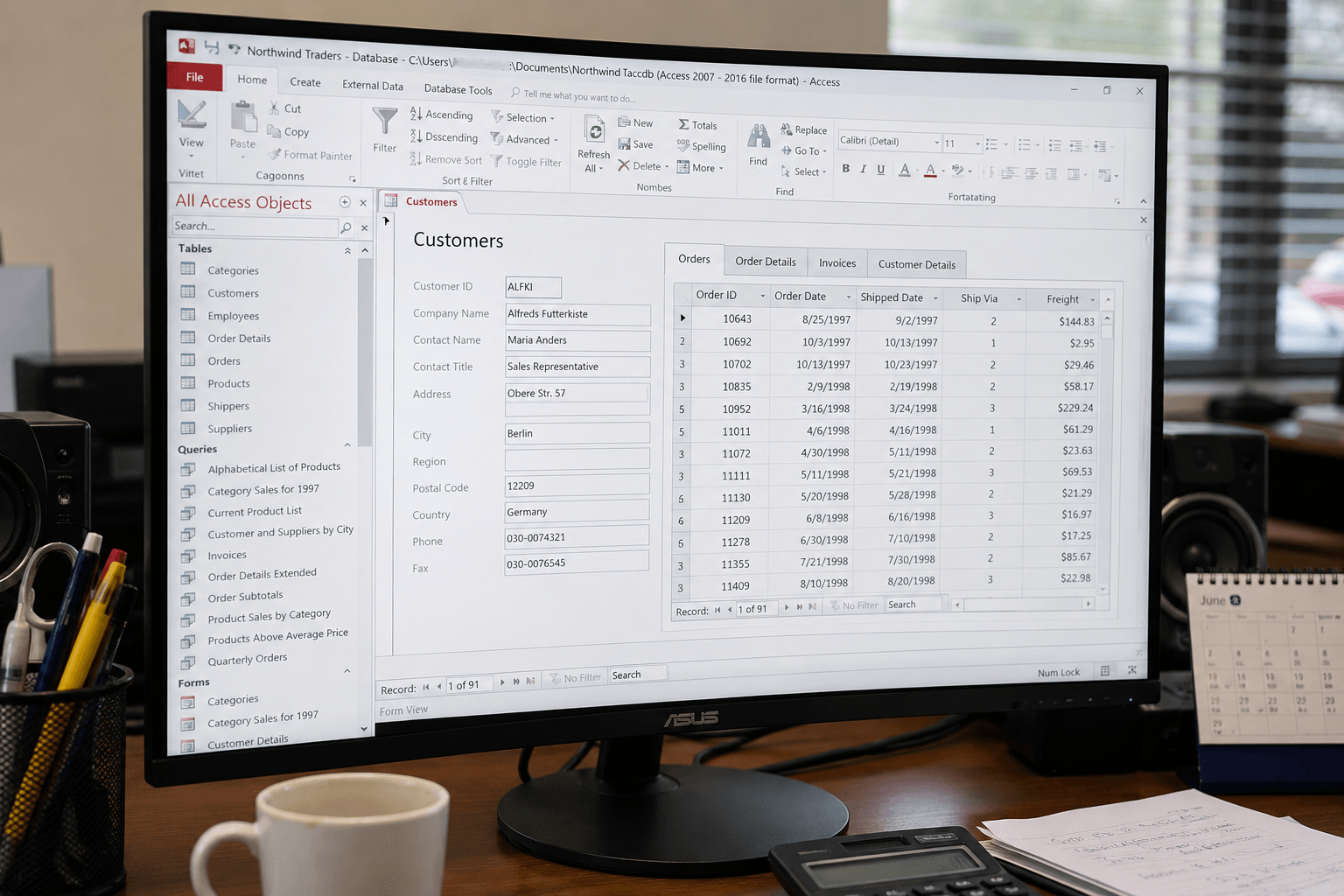
Queries That Run in Seconds, Not Minutes
Properly indexed, well-written queries against the same data run 10x–50x faster. The Jet/ACE engine is capable of sub-second performance on tables with hundreds of thousands of records — when the query is written correctly.
Forms That Open Instantly
Forms with parameterized record sources load only the records they display, not the entire table. A form that took 12 seconds to open can be under 1 second after record source optimization.
Reports in Seconds, Not Minutes
Report generation time is directly tied to record source query complexity and indexing. A 4-minute report typically runs in under 30 seconds after query and index optimization.
Multi-User Stability
A split database with proper indexing handles 10–15 simultaneous users with minimal locking conflicts. Record lock errors and user wait times drop significantly.
A Smaller, Faster Database File
Compaction recovers deleted-record space and defragments the file. A 600MB fragmented database commonly compacts to under 100MB, with proportionally faster read times.
Years of Additional Life Before Migration
A properly optimized Access database often eliminates the business case for a SQL Server migration for 3–5 more years, saving the cost and disruption of a full application rewrite.
Industries We Serve: MS Access Performance Optimization for US Businesses
Microsoft Access remains the operational backbone of thousands of US businesses across industries that built their workflows on it before cloud alternatives existed. We have optimized Access databases in virtually every sector where it is still in active use:
Healthcare & Medical Practices: Patient scheduling, billing, and records systems where slow query times directly affect clinical throughput and billing cycle times. HIPAA-aware data handling throughout. Learn more →
Real Estate: Portfolio management, property tracking, and lease management databases. See our case study on a real estate portfolio database optimization that reduced response times by 40%. Learn more →
Manufacturing & Distribution: Inventory management, order processing, production tracking, and BOM databases with high daily transaction volumes and multi-user access requirements. Learn more →
Legal & Professional Services: Matter management, time and billing, and conflict-check databases used simultaneously across entire firms. Multi-user stability is critical. Learn more →
Financial Services: Compliance tracking, client management, and reporting databases where slow query times create downstream reporting delays with real regulatory consequences. Learn more →
Nonprofit & Government: Grant management, constituent tracking, and program reporting databases that must run efficiently without dedicated IT departments or large hardware budgets.
Why ExcelAccessDevelopers for MS Access Performance Optimization
MS Access performance optimization requires specific expertise that most generalist developers do not have. The Jet/ACE query engine has behaviors — around index selection, dynaset locking, page read patterns, and network traffic — that differ meaningfully from SQL Server, MySQL, or other databases. Solutions that work for SQL Server do not always apply to Access, and vice versa.
Our team has worked exclusively on Microsoft Access and Excel projects for US businesses for over a decade. We know the specific query patterns that trigger full table scans in each Access version's query optimizer. We know the compaction behavior differences between Access 2010 and Access 365. We know which VBA patterns are 100x faster as SQL. And we know when Access has genuinely been outgrown and what the right next step is — because we have seen both outcomes hundreds of times.
Every engagement starts with a measured diagnostic. Every change is tested before and after. Every improvement is documented in real numbers. And if optimization alone is not the right answer, we will tell you that before billing hours that will not solve your problem.
Our rate starts at $90/hour. A diagnostic audit runs 2–4 hours. Full optimization typically completes in 5–15 hours. We can start within 48 hours. See our pricing page for a full breakdown, or contact us to describe your database and we will give you an estimate before you commit. For related challenges, our slow Access database fix and Access crashing fix pages cover overlapping issues in detail.
Frequently Asked Questions: MS Access Performance Optimization
What causes MS Access performance problems?
The five most common causes are: (1) missing indexes on JOIN and WHERE clause fields — the single biggest culprit in most slow databases; (2) poorly written queries with Cartesian joins, calculated expressions in WHERE clauses, or unnecessary full-table reads; (3) a fragmented, bloated .accdb file that has never been compacted; (4) single-file architecture on a network share forcing full table data across the wire before local query execution; and (5) VBA code that processes records row-by-row instead of using set-based SQL operations.
How much faster can MS Access optimization make my database?
Results depend on the root cause. Adding the right index to a frequently queried field can make individual queries 10x–50x faster. Rewriting a query that uses a Cartesian join or a calculated WHERE expression can reduce execution time from minutes to under a second. Compacting a highly fragmented 600MB database that started at 80MB can cut read time proportionally. We measure before and after every change so you see the improvement in specific seconds, not estimates.
How do I know if my Access database needs professional optimization?
Clear signs include: queries taking 3+ seconds on fewer than 100,000 records; forms taking more than 5 seconds to open; the database file significantly larger than a year ago without major data growth; regular "record is locked" errors; reports taking more than 1–2 minutes to generate; or the database has never been compacted since it was created. Any one of these is a signal. Multiple together almost always indicate there are several compounding issues.
Should I optimize MS Access or migrate to SQL Server?
Optimization is almost always the right first step if your database is under 1.5GB and you have fewer than 20 concurrent users. A properly optimized, split-architecture Access database routinely handles 10–15 simultaneous users with sub-second query times. If you are consistently exceeding those limits, the right middle path is upsizing — keeping your Access front-end and moving only the tables to SQL Server — which is far cheaper than a full application migration and delivers most of the performance gain.
What MS Access versions do you optimize?
We optimize Access 365, Access 2021, Access 2019, Access 2016, Access 2013, and Access 2010. Each version uses a different release of the ACE engine with slightly different query optimizer behavior. Access 2010 and 2013, for example, have more conservative index selection than Access 2019 and 365. Our diagnostic process accounts for version-specific behavior, and we will flag any limitations specific to your version before beginning work.
How long does MS Access performance optimization take?
A diagnostic audit takes 2–4 hours and produces a written findings report before any optimization work begins. Full optimization — covering query rewrites, index additions, compaction, and architecture improvements where needed — typically runs 5–15 hours depending on database size and the number of slow queries and forms involved. Simpler index-only optimizations for smaller databases often complete in 3–5 hours. We can start within 48 hours of engagement.
Can VBA code cause MS Access performance problems?
Yes, and it is one of the most commonly overlooked causes. Row-by-row VBA loops that process thousands of records one at a time are 10x–100x slower than equivalent SQL operations. DLookup(), DSum(), and DCount() inside loops run a separate database query per iteration. Opening and never closing Recordset objects inside procedures causes connection leaks that degrade performance progressively during a session. We review all VBA modules as part of our optimization audit and rewrite performance-critical routines to use set-based SQL wherever possible.
What is the difference between compacting and optimizing an Access database?
Compacting is one specific operation within the broader process of MS Access optimization. It removes deleted-record space from the file and rewrites it sequentially, reducing file size and improving read speeds. Full optimization includes compacting, but also covers indexing strategy, query rewrites, schema normalization, form and report record source tuning, VBA efficiency improvements, and architectural changes like splitting into front-end and back-end files. A database that is only compacted but has no indexes on its most-queried fields will still run slowly.
How do I optimize Access database performance myself?
Three self-service steps catch most common issues: (1) run Database Tools > Analyze > Performance Analyzer and apply every "Recommendation" it flags immediately — these are close to guaranteed wins; (2) compact and repair the database (File > Info > Compact & Repair) if it has not been done in the last few months; (3) open your slowest queries in SQL view and check that every field in a WHERE clause or JOIN condition has an index. If performance issues persist after these three steps, the cause is usually a query rewrite, VBA inefficiency, or architecture issue that needs a professional diagnostic.
What does the MS Access Performance Analyzer check?
The built-in Performance Analyzer scans tables, queries, forms, reports, macros, and modules against Microsoft's optimization rule set, then classifies findings as Recommendation (safe, apply immediately), Suggestion (usually beneficial but review first), or Idea (situational). It catches structural issues like missing indexes on frequently used fields and inefficient table relationships, but it does not detect query logic problems like Cartesian joins, VBA row-by-row processing, or record source bloat on forms — those require manual review.
Related MS Access Performance Resources
These pages go deeper on specific aspects of Access performance problems:
Got a problem we can help with?
Book a free 30-minute call. Tell us what you're dealing with and we'll tell you how we'd approach it.